
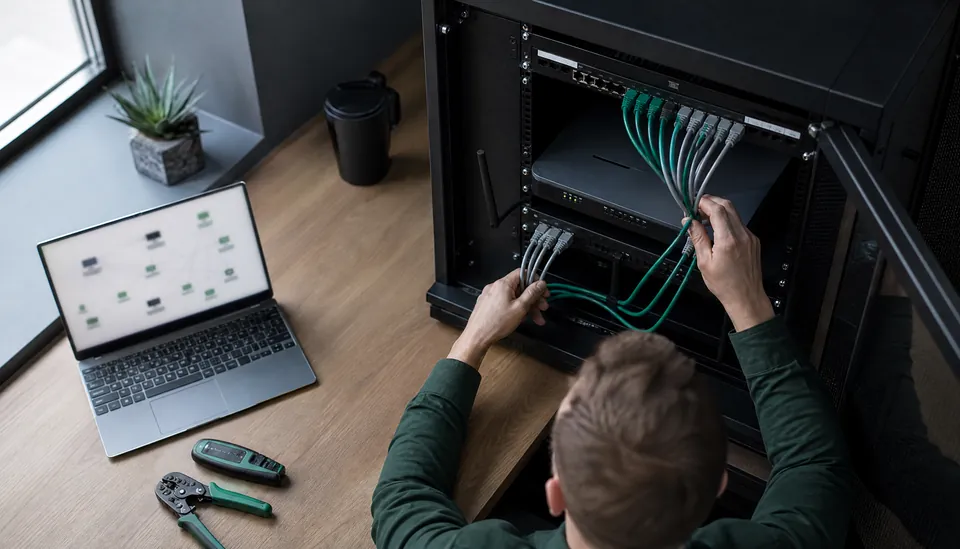
Remote network security depends on how users, devices and services connect and how those connections are managed. This guide reviews the controls and operating practices that help organisations assess remote access, investigate concerns and plan improvements.
Understanding Remote Network Security Solutions
Remote network security solutions are designed to protect networks that are accessed or managed from locations outside the traditional office environment. These solutions enable organizations to monitor, detect, and respond to cyber threats regardless of where their users or infrastructure reside. The rise of remote work, cloud computing, and distributed IT environments has made these solutions indispensable.
Key components of remote network security solutions include:
Virtual Private Networks (VPNs): Secure encrypted tunnels that protect data transmission over public or untrusted networks.
Firewalls: Systems that monitor and control incoming and outgoing network traffic based on predetermined security rules.
Intrusion Detection and Prevention Systems (IDPS): Tools that identify and block malicious activities in real-time.
Endpoint Security: Protection for devices such as laptops, smartphones, and tablets that connect remotely.
Multi-Factor Authentication (MFA): Additional layers of identity verification to prevent unauthorized access.
Implementing these components in a cohesive strategy ensures that your network remains resilient against unauthorized access, data breaches, and other cyber threats.
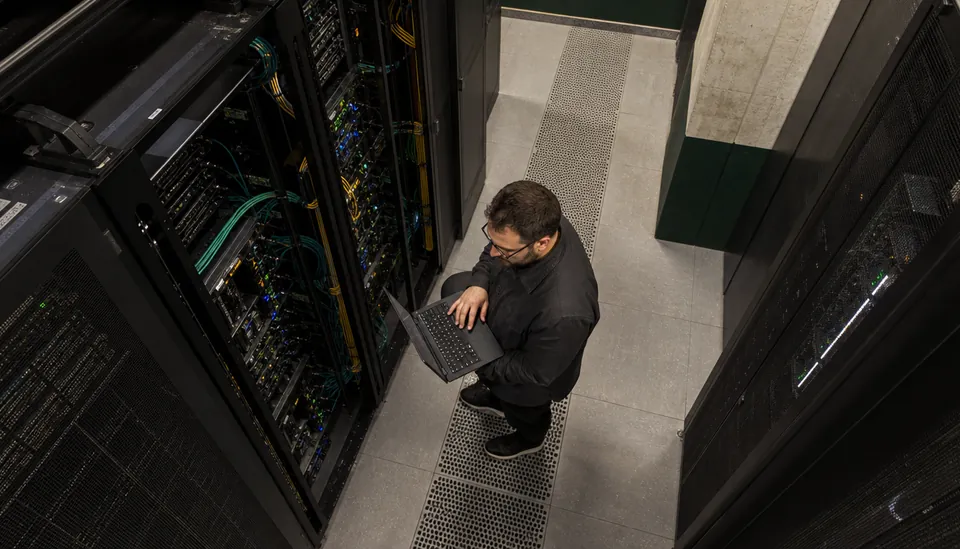
The Importance of Remote Network Security Solutions
The shift towards remote work and cloud services has expanded the attack surface for cybercriminals. Traditional perimeter-based security models are no longer sufficient. Remote network security solutions address this challenge by providing continuous protection regardless of user location.
Consider the following reasons why these solutions are essential:
Increased Attack Vectors: Remote access points can be exploited if not properly secured.
Data Privacy Compliance: Regulations such as GDPR and HIPAA require stringent data protection measures.
Business Continuity: Preventing downtime caused by cyber incidents is critical for operational stability.
Reputation Management: A security breach can damage trust and brand reputation irreparably.
By adopting remote network security solutions, organizations can maintain control over their digital environments, ensuring that sensitive information remains confidential and systems operate smoothly.
Securing access for distributed teams
Map how staff, contractors and administrators reach applications and data. Use strong authentication, managed devices and access limited to the resources each role needs. Review remote administration paths separately from everyday employee access.
Test the response to a lost device or compromised account: revoke sessions, isolate access and preserve relevant logs. Remote access design should also account for continuity, user support and third-party responsibilities.

Practical Steps to Implement Remote Network Security
Implementing effective remote network security requires a structured approach. Here are actionable steps to enhance your security posture:
1. Conduct a Risk Assessment
Identify critical assets, potential vulnerabilities, and threat scenarios. Understanding your risk landscape allows you to prioritize security measures effectively.
2. Deploy Strong Access Controls
Use multi-factor authentication and role-based access controls to limit network access to authorized users only.
3. Encrypt Data in Transit and at Rest
Ensure all sensitive data is encrypted to prevent interception or unauthorized access.
4. Monitor Network Traffic Continuously
Implement real-time monitoring tools to detect anomalies and respond swiftly to incidents.
5. Educate Users
Regular training on security best practices reduces the risk of human error, which is often the weakest link.
6. Update and Patch Systems Regularly
Keep software and hardware up to date to close security gaps exploited by attackers.
7. Establish Incident Response Plans
Prepare for potential breaches with clear protocols to minimize damage and recover quickly.
By following these steps, you create a layered defense that significantly reduces the likelihood and impact of cyber attacks.
The Role of Managed Security Services in Remote Protection
Many organizations turn to managed security service providers (MSSPs) to handle their remote network security needs. MSSPs offer expertise, advanced tools, and monitoring that may be difficult to maintain in-house. Coverage hours and response commitments vary by contract.
Benefits of partnering with MSSPs include:
Access to Specialized Knowledge: MSSPs employ experts who stay current with evolving threats.
Cost Efficiency: Outsourcing reduces the need for extensive internal resources.
Scalability: Services can grow with your organization’s needs.
Proactive Threat Hunting: MSSPs actively seek out threats before they cause harm.
When selecting an MSSP, consider their track record, technology stack, and ability to customize solutions to your specific environment.
Embracing remote network protection services for Enhanced Security
Incorporating remote network protection services into your cybersecurity strategy is a forward-thinking move. These services provide comprehensive monitoring, threat detection, and incident response tailored to remote environments.

They offer:
Centralized Management: Simplifies oversight of distributed networks.
Advanced Analytics: Uses AI and machine learning to identify sophisticated threats.
Rapid Response: Minimizes damage through immediate action.
Compliance Support: Helps meet regulatory requirements with detailed reporting.
By leveraging these services, you ensure your network remains secure, resilient, and compliant in an increasingly complex threat landscape.
Building a Future-Ready Security Posture
The cybersecurity landscape is dynamic, with new threats emerging constantly. To stay ahead, it is essential to adopt a proactive and adaptive security posture. This involves:
Continuous Learning: Stay informed about the latest threats and defense techniques.
Regular Audits: Periodically review and update security policies and controls.
Investment in Technology: Embrace innovations such as zero-trust architectures and AI-driven security.
Collaboration: Engage with industry peers and security communities to share intelligence.
By committing to these principles, you position your network to withstand future challenges and protect your valuable digital assets effectively.
Remote network security solutions are no longer a luxury but a necessity. By understanding their components, importance, and implementation strategies, you can build a robust defense against cyber threats. Whether through in-house efforts or trusted partnerships, prioritizing network security safeguards your operations and reputation in an increasingly connected world.